Chess 2D: Master the Board
Reviews
Chess 2D offers a polished experience with its color-coded move assistant that simplifies learning. The interface is clean and responsive, making each game feel smooth. It is ideal for beginners wanting to understand piece movements and for experienced players seeking a no-fuss platform. The game has strong replayability due to chess's infinite strategic depth.
About This Game
Game Introduction
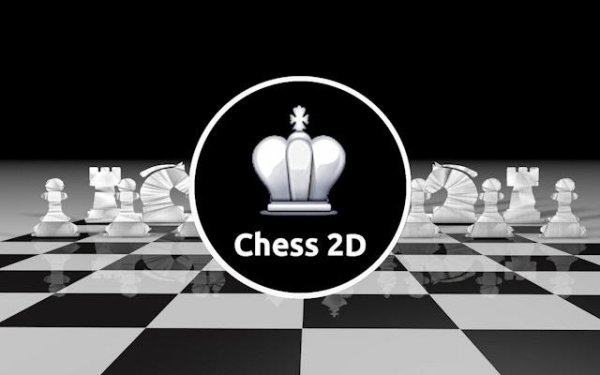
Chess 2D: Master the Board is a digital adaptation of the classic two-player strategy board game. The core objective is to outmaneuver your opponent and checkmate their King using a standard set of 16 pieces, including Pawns, Knights, Bishops, Rooks, a Queen, and a King. This version focuses on providing a clean, distraction-free interface that lets players concentrate purely on tactical decision-making. It is designed for players of all skill levels, from beginners learning the basics to experienced players refining their strategies.
How to Play
Players take turns moving one piece per turn according to standard chess rules. To make a move, click on any of your pieces to activate a visual assistant that highlights all available moves on the 64-square board. The game enforces all standard rules, including check, checkmate, and stalemate. You can practice openings, mid-game tactics, and endgame techniques in a focused digital environment. The interface is intuitive, allowing you to plan attacks and develop defensive formations without confusion.
Game Features
This game includes a color-coded move assistant that uses green, blue, yellow, and red indicators to show safe moves and potential captures. The clean, distraction-free interface keeps your attention on the board. Full support for standard chess rules ensures authentic gameplay. It is free to play online with no downloads required, making it accessible from any device with a browser.
Tips for Success
To improve your game, practice regularly to internalize piece movement patterns and common tactics. Focus on controlling the center of the board early in the game. Develop your pieces quickly and avoid moving the same piece multiple times in the opening. Always consider your opponent’s threats before making a move. Review your games to identify mistakes and learn from them. Consistent practice will help you recognize patterns and make better strategic decisions.